Meet your control center.
Take a closer look at the tools we're building to make Minecraft server management easier. These are real screenshots from our development environment, not a simulated live server.
PRE-LAUNCH PREVIEW · Interfaces may change before release.
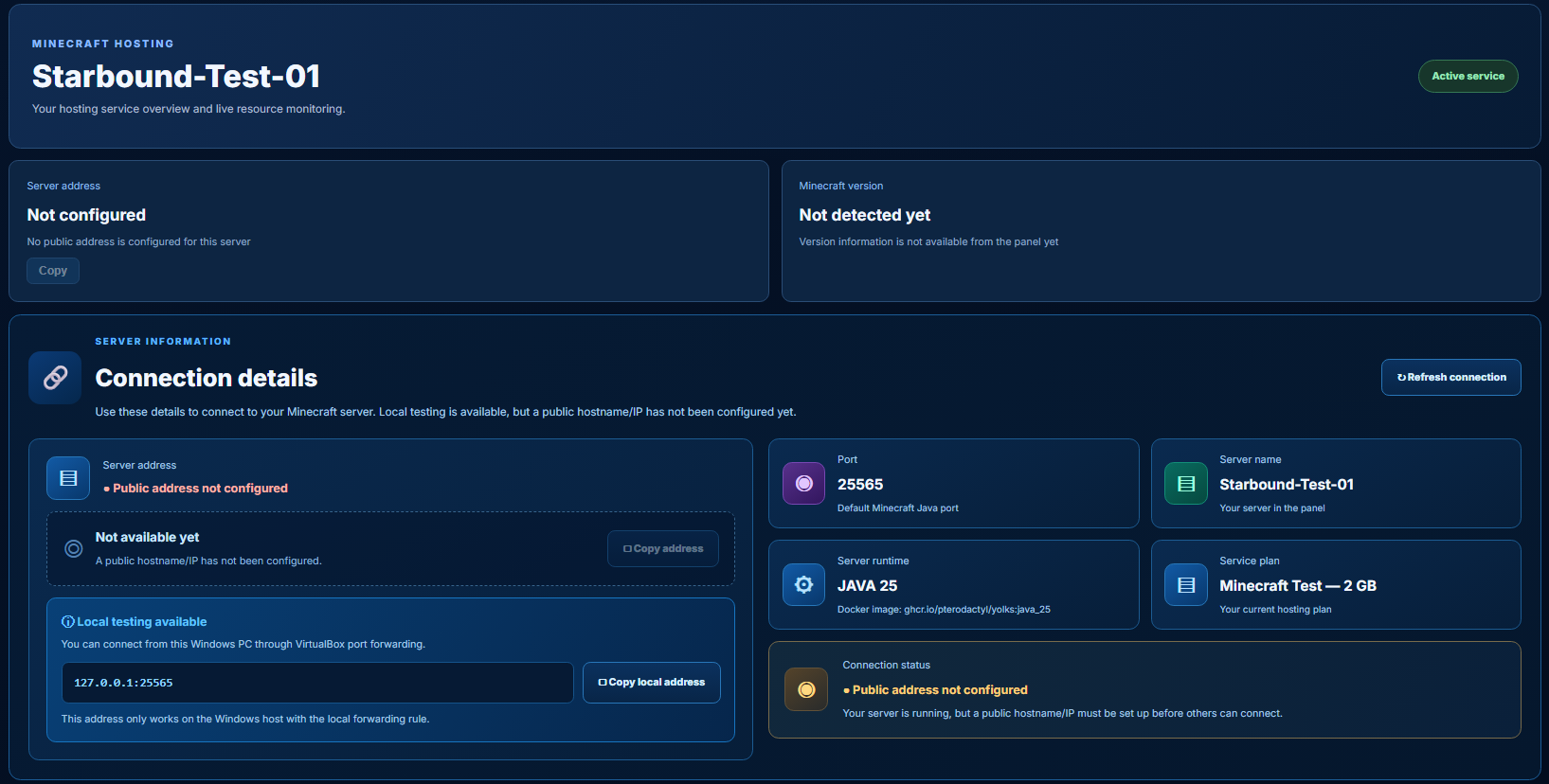
Server overview
See service information, connection details and Minecraft runtime information.
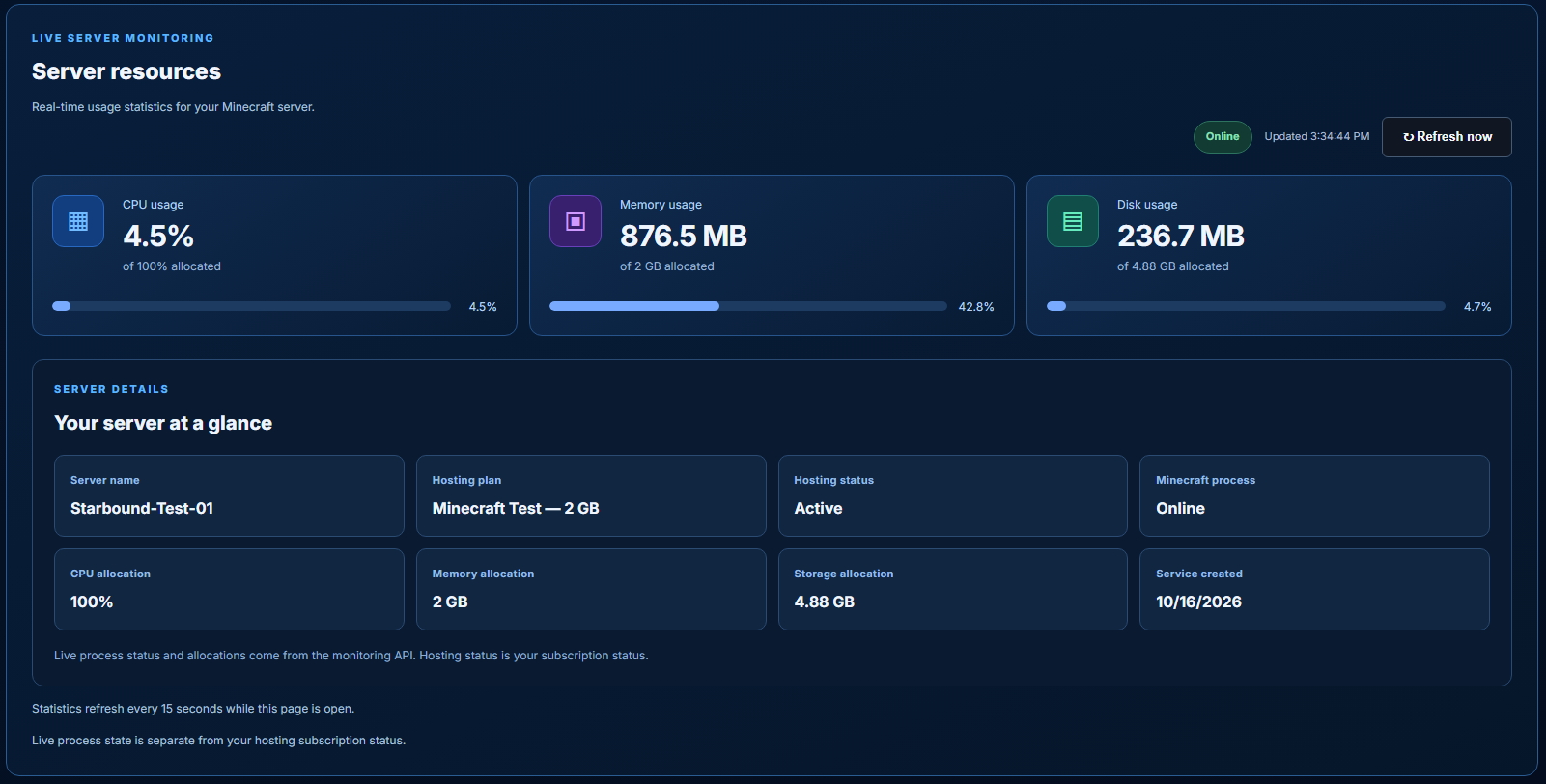
Live server resources
Monitor CPU, memory and disk usage alongside your server allocations.
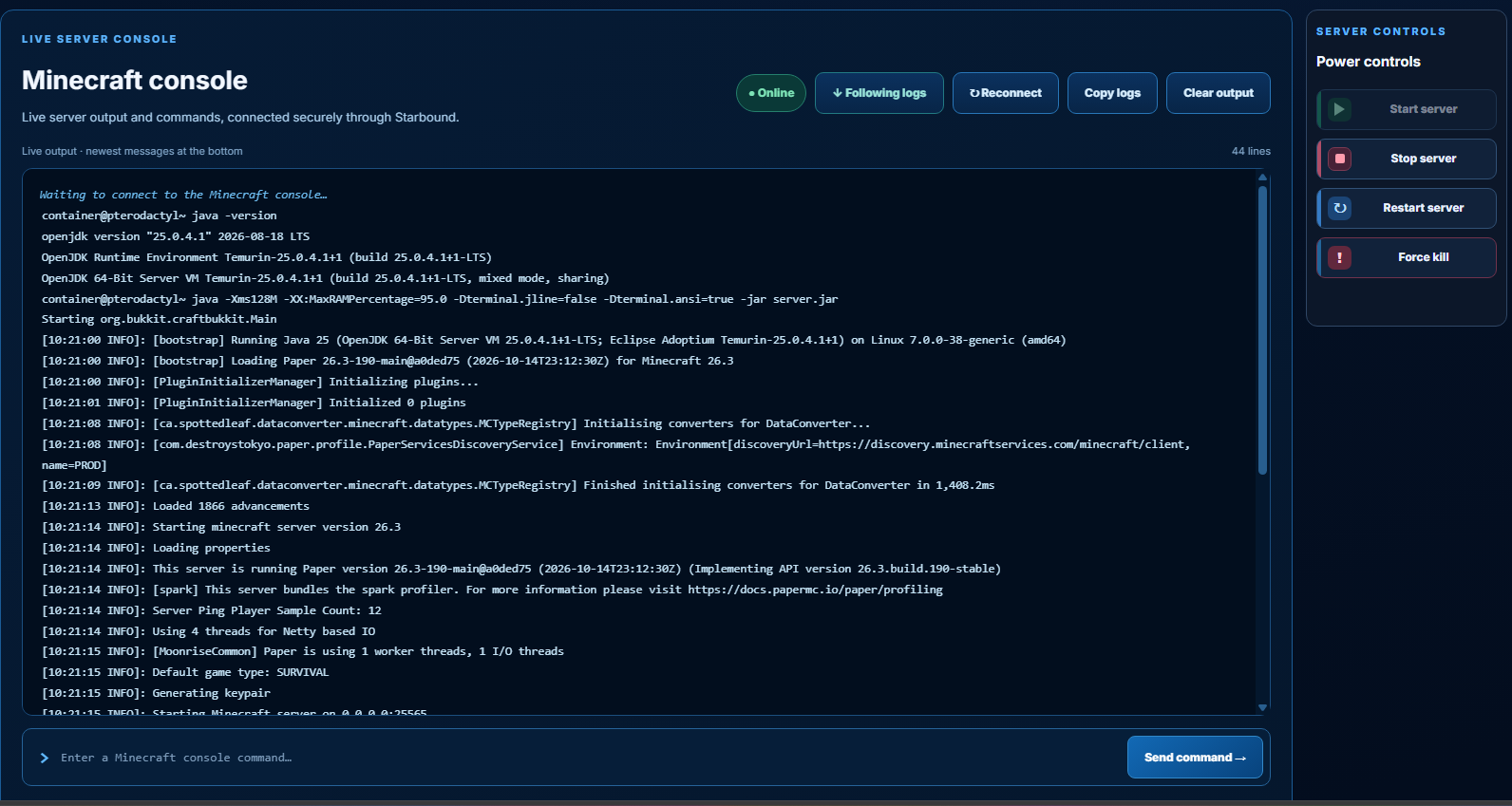
Console and power controls
Follow server logs, send commands and use Start, Stop, Restart or Force kill in one workspace.
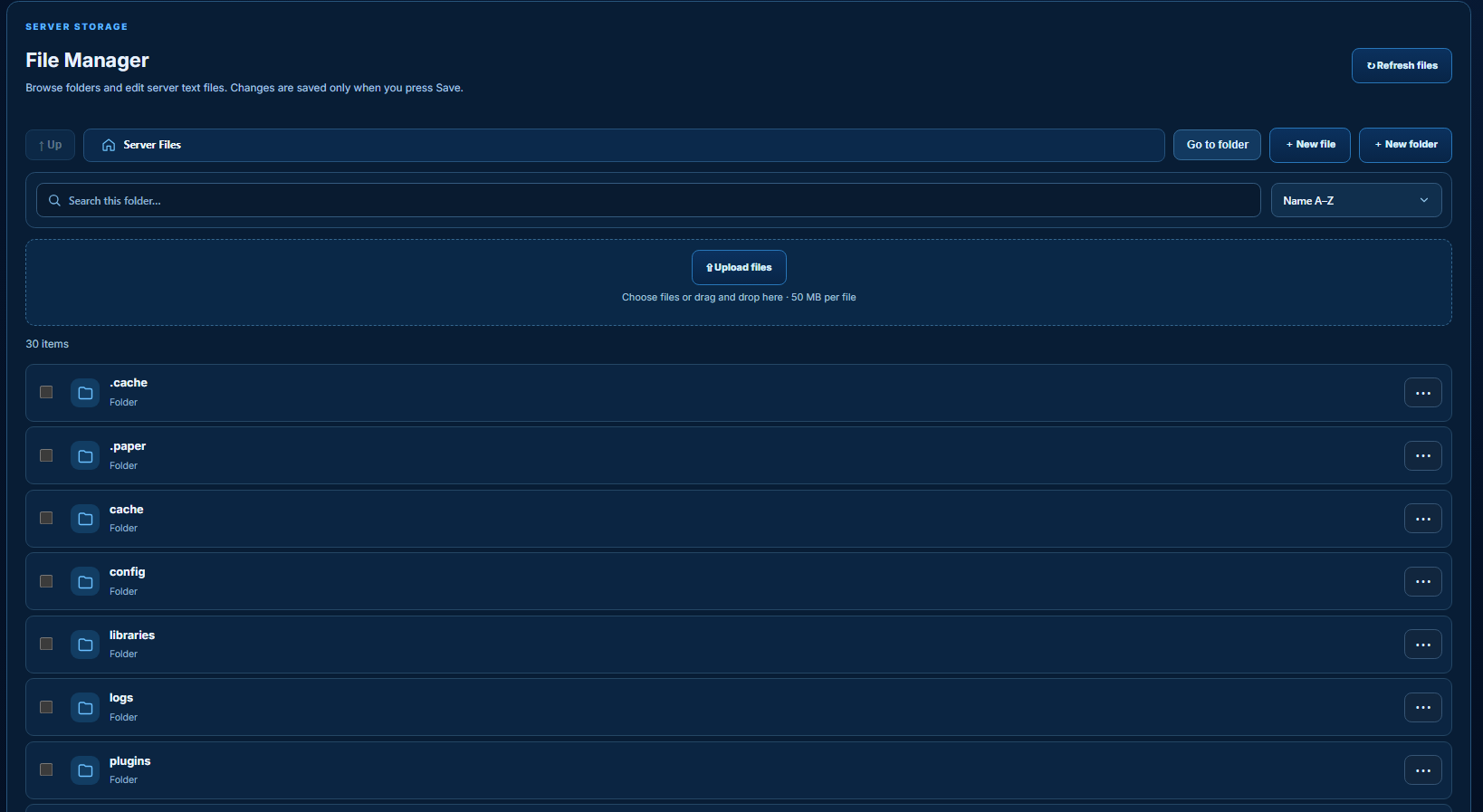
File management
Browse folders, upload files and manage server configuration from the panel.
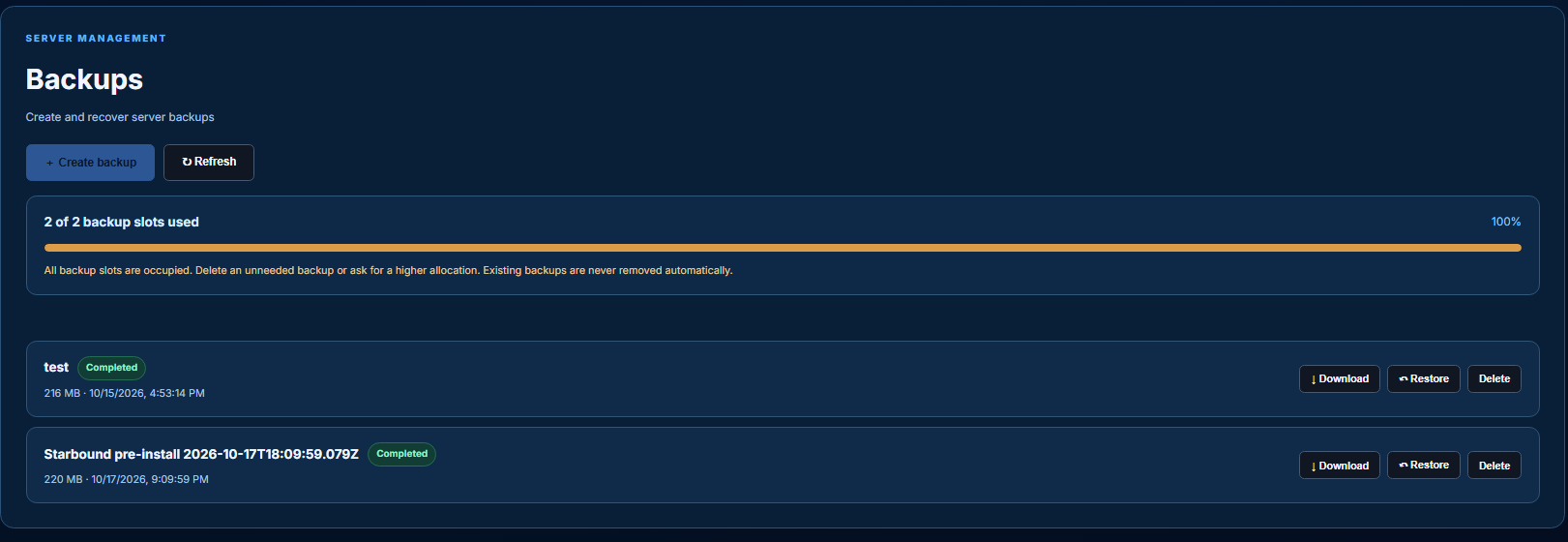
Backup management
Create, download and manage backups with clear storage limits and recovery actions.